An AI assistant that does the work — you just review and decide
"Agentic" simply means the AI doesn't just show you a dashboard and stop. It prepares the next step for you: a heads-up, a draft, a proposal. You always have the final say, and nothing touches a person without your approval.
From 'showing data' to 'doing the prep'
A normal chatbot answers a question and waits. An agent goes one step further — it looks at the real signals in your team and hands you something ready to use: an insight to act on, a message to send, an agenda for your next 1:1.
Think of it like a good assistant who did the homework before the meeting. You didn't have to ask; it's already on your desk. You read it, tweak it if you like, and decide.
The assistants you have right now
- Team Insights — each week it surfaces the 2–3 things most worth your attention (a teammate whose energy is dipping, someone over capacity, a skill gap to close). Numbers come straight from your data; the AI only explains them.
- Nudge draft — one tap writes a warm, specific check-in message for a teammate. You edit it, then send it yourself. The AI never sends anything on its own.
- 1:1 agenda draft — a five-point agenda for your next one-on-one, built from recent work, energy and goals, wellbeing first when someone needs it.
- Staffing composer — for a project, it proposes two or three balanced team options (people, or people plus AI workers) with the fit and trade-offs laid out, so you choose and approve.
You're always holding the wheel
Every helper sits on a simple ladder, and you decide how far up each one is allowed to go:
The five levels, in plain words
- Notify — just tells you something ('heads up').
- Suggest — recommends, with the reasons, and you act.
- Draft — writes the real thing (a message, an agenda) that you review and use.
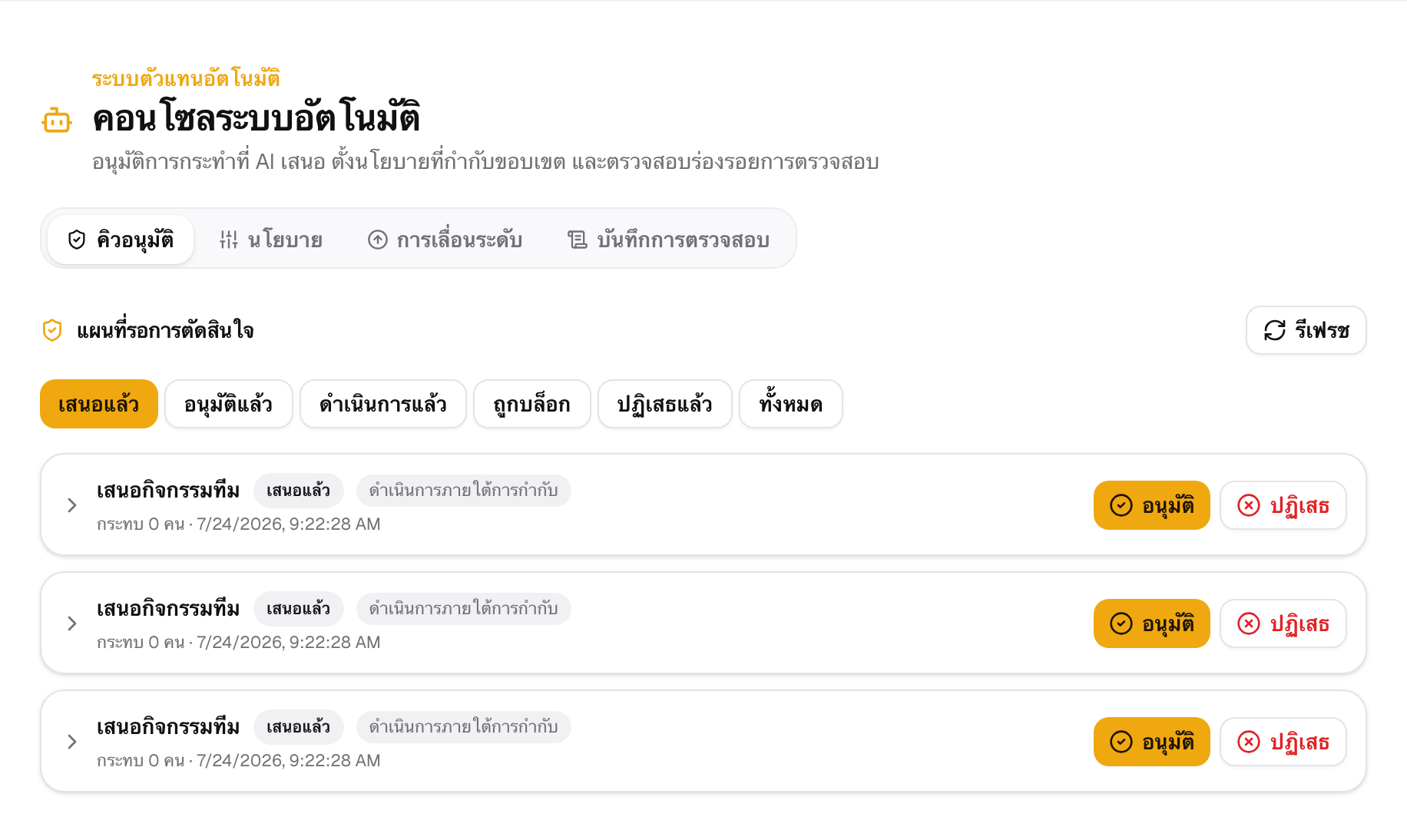
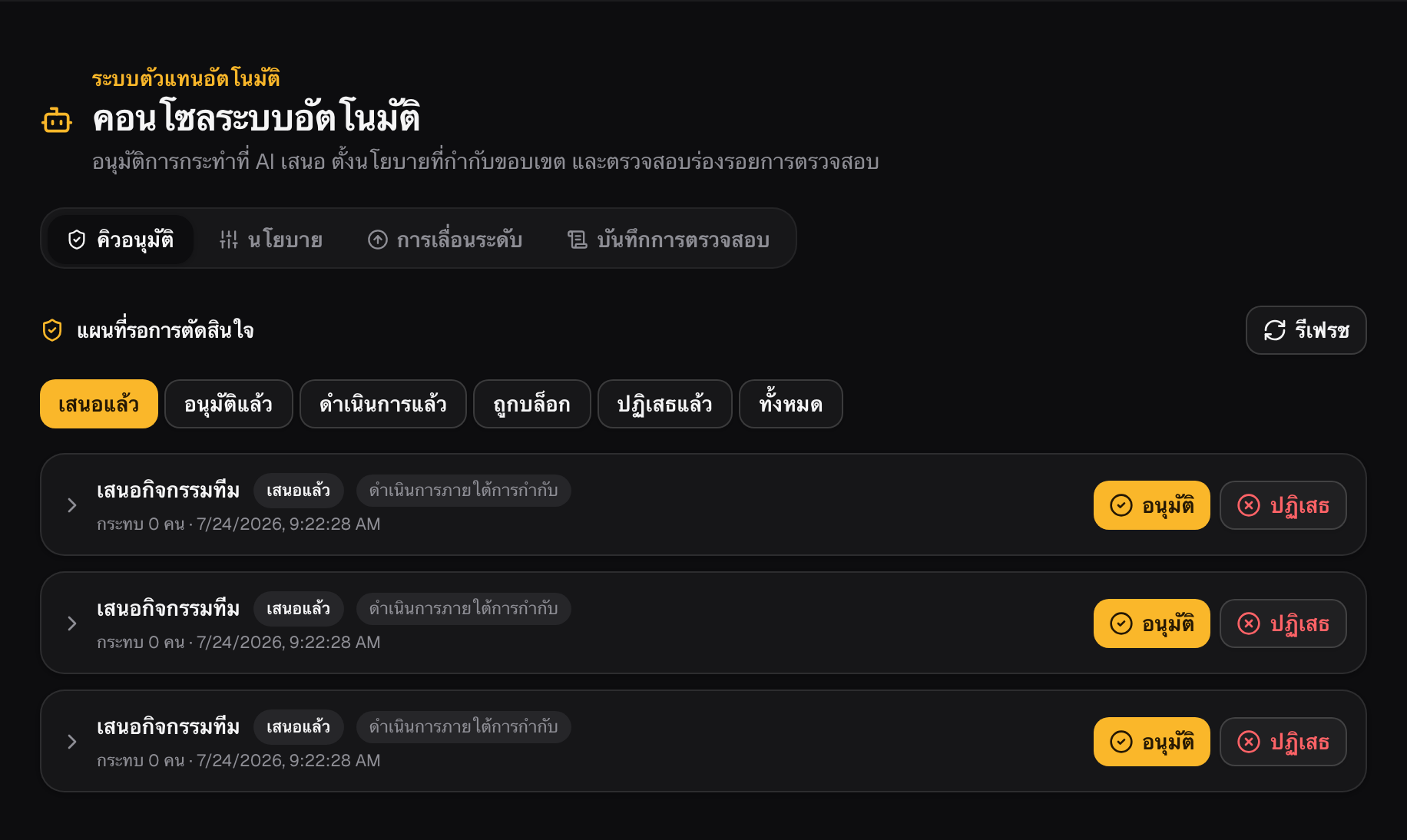
- Approve-then-do — proposes a concrete action and does it only after you click approve.
- Auto within limits — for small, reversible, low-risk tasks you've explicitly allowed, inside caps you set — and you can still see every action and stop it instantly.
Safe by default — you switch it onWhen you first open it, autonomy is OFF and the emergency stop is ON. Nothing acts until an owner deliberately turns it on, one capability at a time.An AI never hires, fires, changes pay, or rejects a candidate — those are off-limits, always. Every output is decision-support, framed as a tool, not a verdict on a person. Every action is logged, reversible, and one click from being paused.
How to try it
- Open Team cockpit — the AI Team Insights feed is right there, with a Regenerate button.
- Tap a teammate to open their page — you'll see 'Draft a nudge' and 'Draft a 1:1 agenda'. Try one; edit the draft; copy or send.
- Owners: open the Autonomy console to set the limits, review anything waiting for approval, and see the full audit trail — with the emergency stop always in reach.
Why it feels differentYou stop starting from a blank page. The prep is already done, grounded in your real data, waiting for your judgment. You move faster, you catch things sooner, and you're still the one who decides — every time.