Somewhere in your company is the person who completes your profile
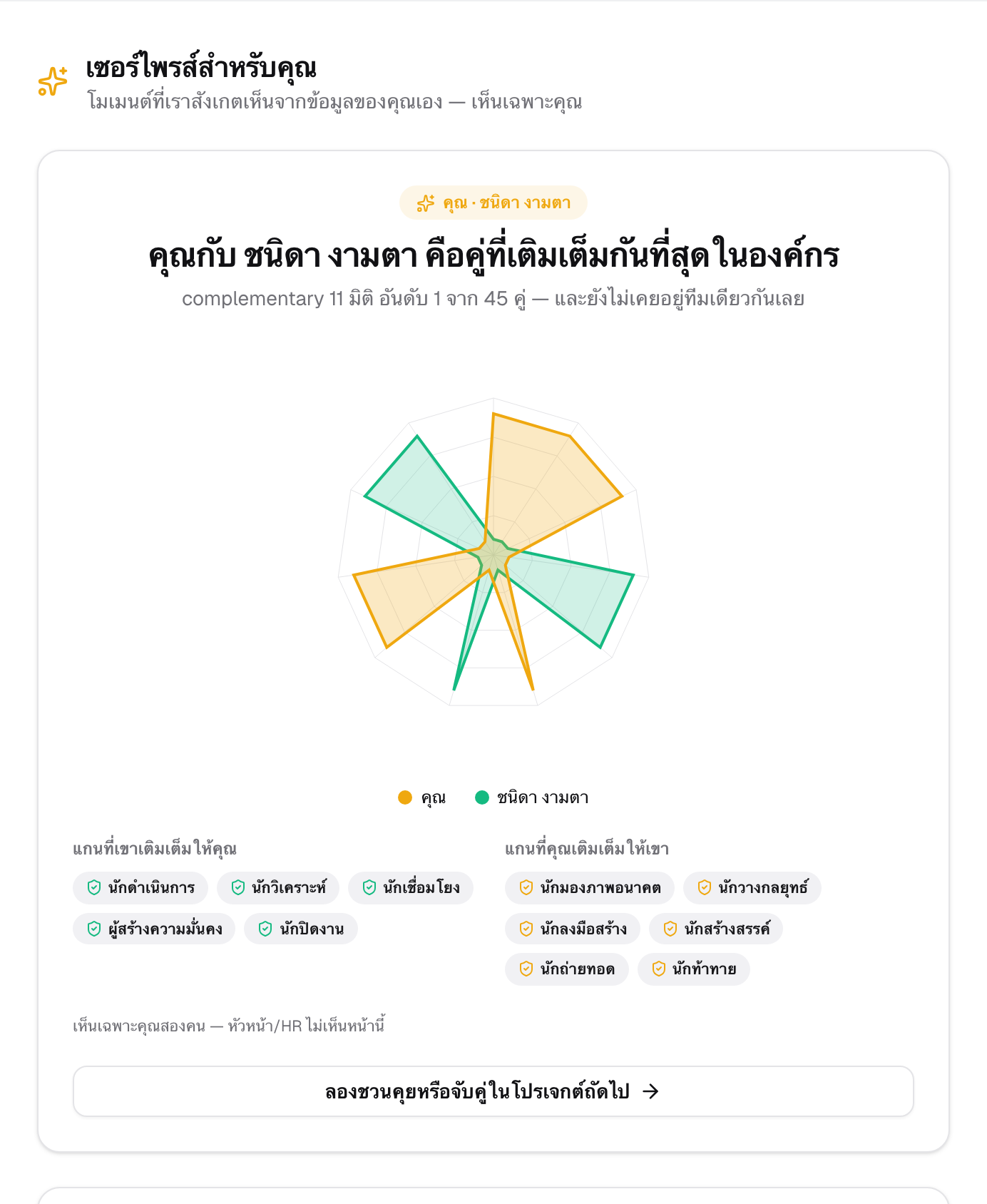
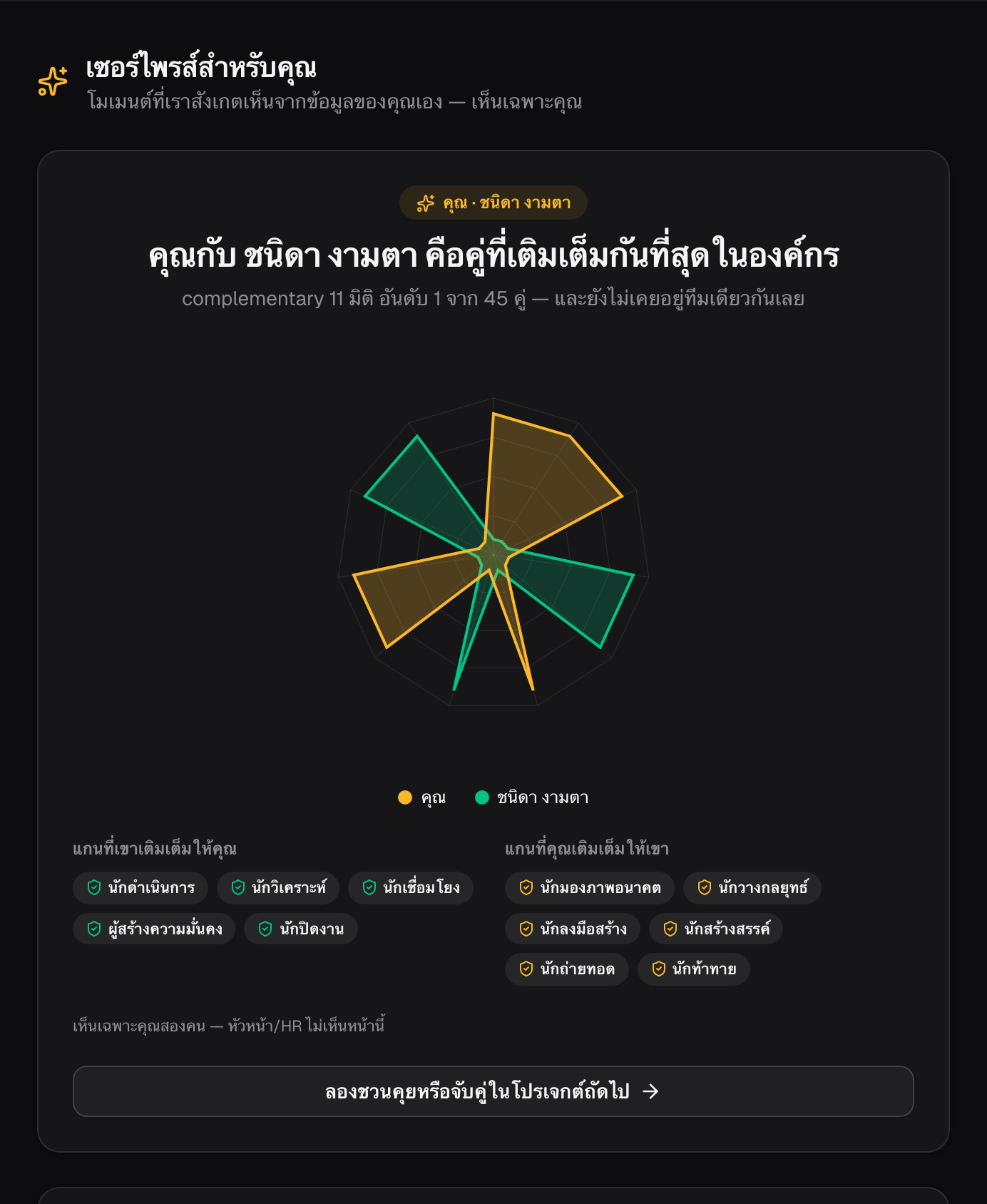
Surprise Moment compares your DNA profile against everyone else's — quietly, with plain data, no AI guessing — to find the one colleague whose strengths cover exactly where you're weakest. You'll never see a name unless you both choose to.
What "complementary" actually means
Everyone's Human DNA profile has axes where they're strong and axes where they're still growing. Surprise Moment does one specific piece of math: it looks for the colleague whose strong axes cover your weak ones — and yours cover theirs back. Out of everyone in your company, it surfaces your single best match.
There's no AI writing a story about you here. It's the same behavioral DNA data you already see on your own profile, compared with plain arithmetic — which is also why it can always explain itself: which axes, whose strengths, no guessing.
How a reveal actually happens
- A match is found quietly — nothing is shown to either of you yet.
- You both get a private teaser: "someone in your org completes your profile" — no name, no department, nothing identifying.
- You each decide, on your own time, whether you want to know. Tap "I want to know" — or let it pass.
- Only when both of you have opted in do the names, and the specific DNA axes you complete in each other, reveal — to both of you, at the same moment.
Nothing forces a reveal
If you don't tap in, nothing happens — no reminder, no record anyone sees. If you actively decline, the offer closes for good; it's never brought back to either of you, and the other person is never told you said no. There's no leaderboard, no manager view, no "why didn't you respond" — this stays between the two people it's actually about, and only if both agree.
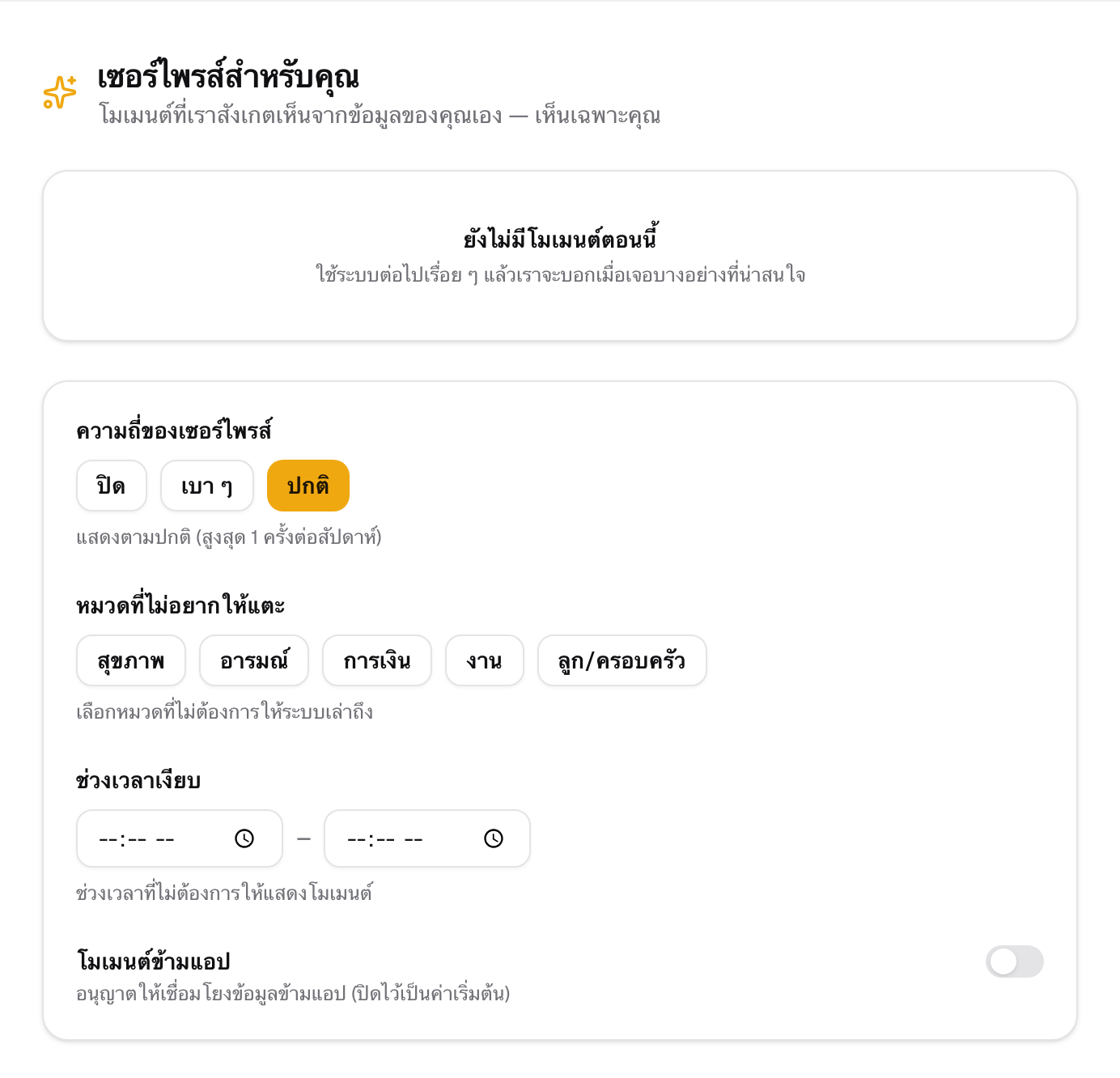
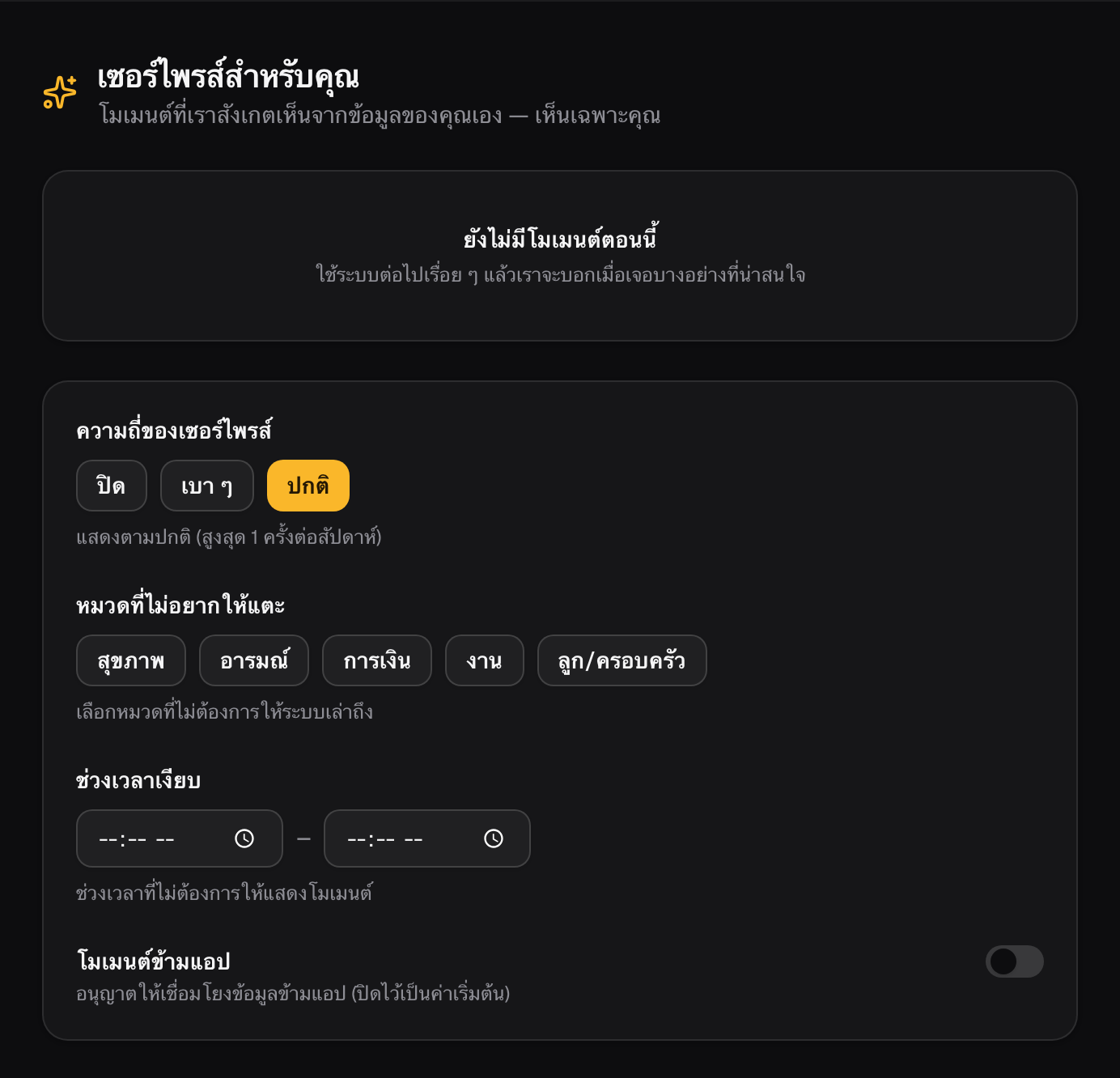
Built to be safe before it's funAnyone on a PIP, on leave, inactive, or flagged by HR is automatically kept out of matching — never invited into a pairing, no exceptions.You set the pace, not us: choose off, gentle, or normal cadence, block categories that feel too personal, set quiet hours, and cross-app sharing stays off unless you turn it on yourself.
How to try it
- Open Surprise Moment — if a match is ready, you'll see a private teaser waiting.
- Tap "I want to know" — or leave it; there's no wrong choice.
- Adjust your preferences any time — cadence, quiet hours, and what you don't want surfaced, all in one place.
Why it lands differentlyIt's not a personality-test result to compare in a meeting — it's private, mutual, and only ever about the two people who both said yes. Most surprises in an app try to grab your attention; this one only speaks once someone has actually earned the moment on both sides.